Overview
The Heksia POS app is the primary tool used for processing sales in your store.
It is designed to be fast, simple, and reliable, helping your staff serve customers efficiently.
The POS app connects to your Heksia Back Office account and uses the products, taxes, locations, and users you’ve configured.
What the Heksia POS App allows you to do
- Process sales quickly with a clean and intuitive interface
- Search products by name or barcode
- Manage quantities and apply discounts (if enabled)
- Support multiple payment methods
- Print receipts using Bluetooth or network ESC/POS printers
- Open the cash drawer (if supported by the printer)
- View recent transactions and reprint receipts
- Work with product variants
- Role-based access (cashiers: POS only, admins: full access)
- Operate per location, based on the user’s assigned store
- Manage work shifts (open and close shifts, track cashier responsibility)
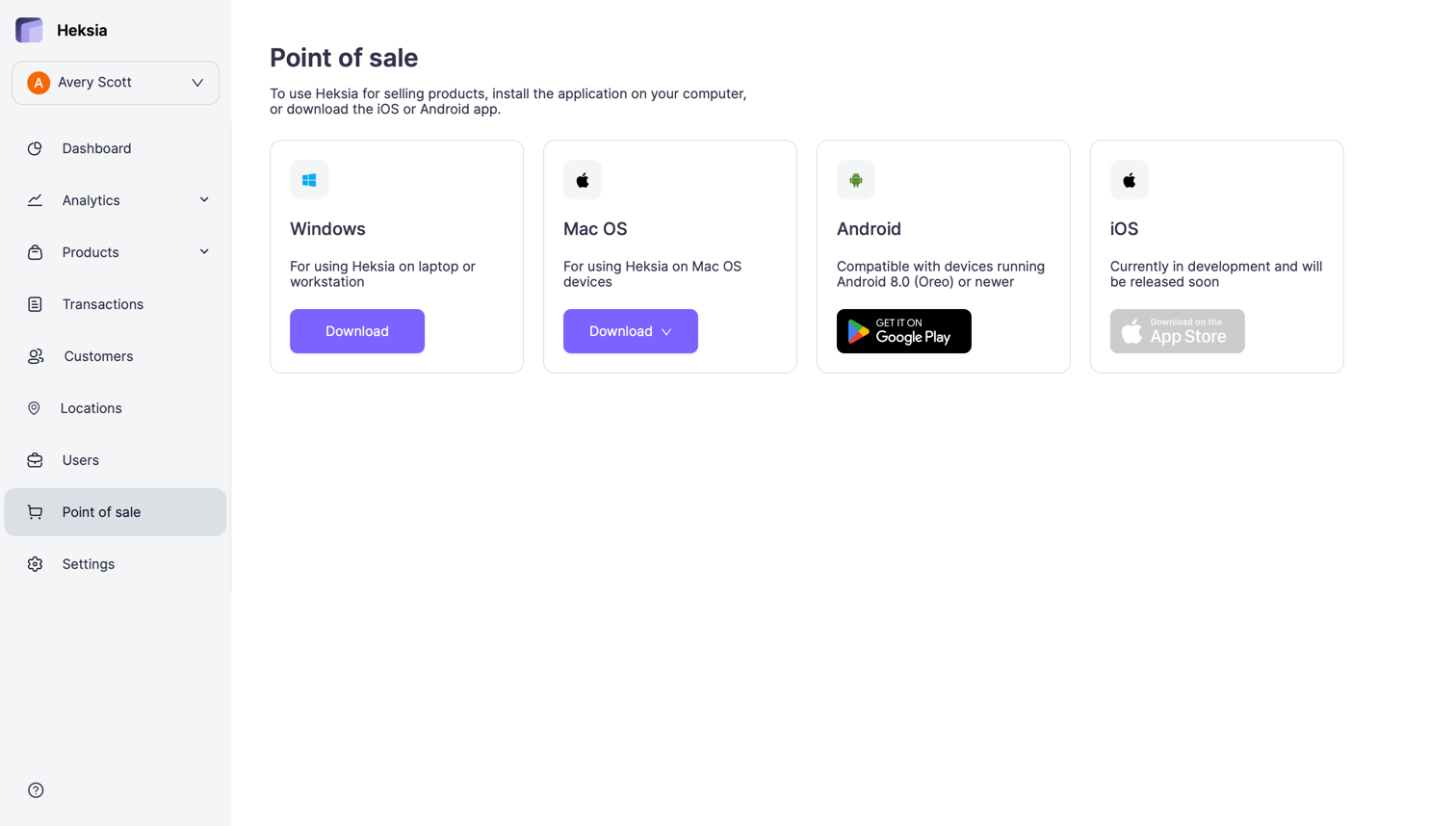
Available Platforms & Requirements
-
Windows
Works on Windows 10 or newer. -
Mac OS
Compatible with both Intel and Apple Silicon (M-series) processors.
Requires macOS 10.13 (High Sierra) or later. -
Android
Compatible with tablets running Android 8.0 (Oreo) or newer. -
iOS
Currently in development and will be released soon.
Download
You can install the Heksia POS app on your preferred device.
To download the latest version, open your Back Office and go to Point of sale