 Heksia
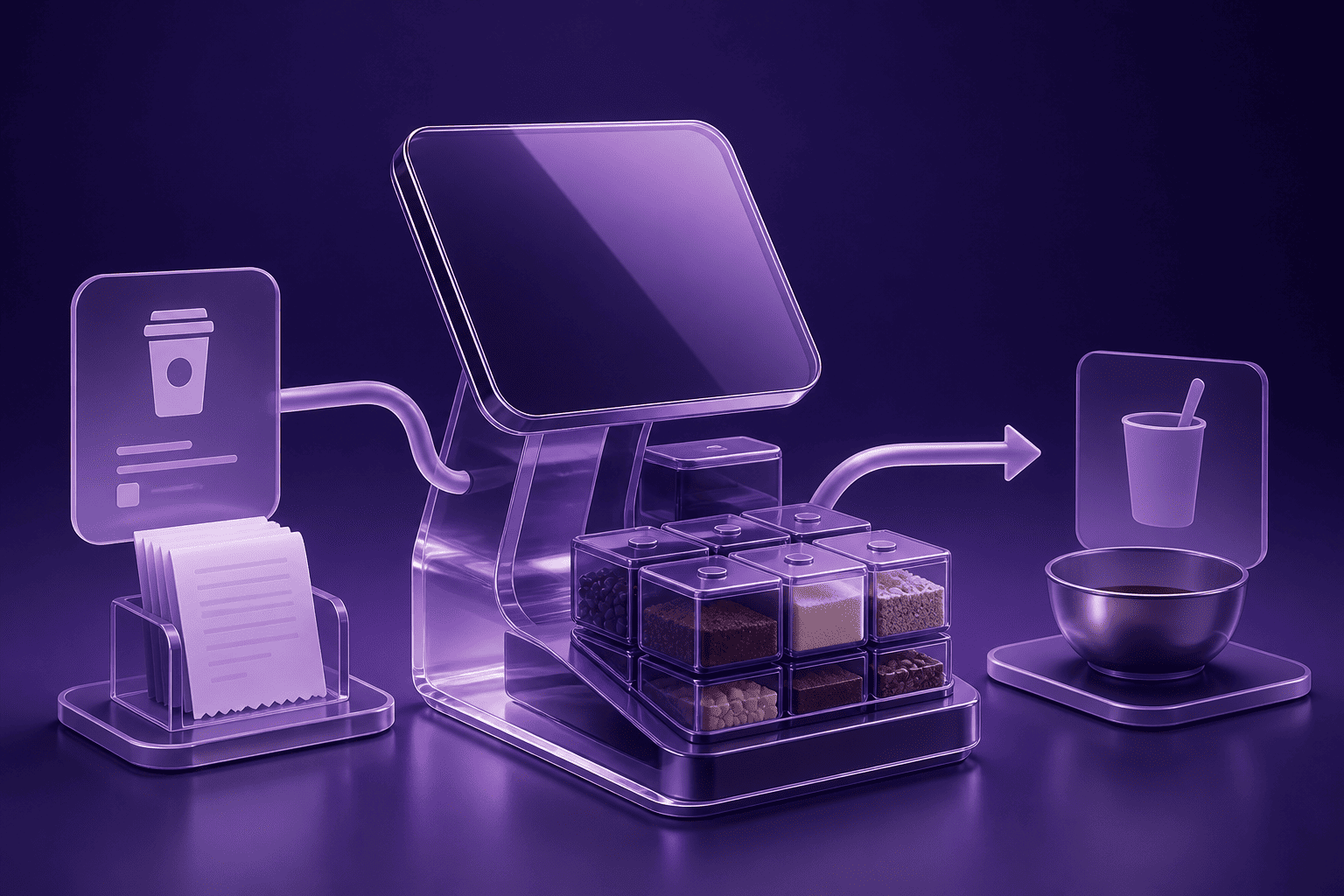
A cafe POS system should do more than take payments. For a small cafe, the most important features are fast checkout, order types for counter, dine-in, takeaway, and delivery, table support when needed, kitchen workflow, staff shifts, payment tracking, ingredient stock control, and clear daily reports. The right system keeps service moving and gives the owner enough visibility to make better decisions without adding unnecessary admin.
What makes a cafe POS different from a basic cash register?
A basic cash register records money. A cafe POS connects the work around that sale: the order, the cashier, the shift, the payment method, the kitchen, the stock used, and the report the owner checks at the end of the day.
That difference matters because cafes move fast. A customer may order at the counter, sit at a table, add another item later, pay by card, and expect the kitchen to know what to prepare without the cashier repeating the order verbally. If the system only stores the final payment, the cafe still depends on memory, paper notes, and manual reconciliation.
A good POS system for a cafe should reduce those handoffs. It should make it easy to open an order, add items, send food or drinks to the kitchen, track whether the order is ready or served, take payment, and keep accurate records for stock and reporting.
The essential cafe POS system features
Small cafes do not need every feature built for large restaurants. They need the features that protect speed, accuracy, cash control, stock visibility, and decision-making. These are the features worth evaluating first.
Fast checkout for counter orders
Counter service is the core workflow for many cafes. The POS should let staff add products quickly, apply discounts when needed, accept cash or card payments, and print receipts without slowing the queue.
Speed is not only a customer-experience issue. Slow checkout creates pressure on staff, increases mistakes, and makes peak hours harder to manage. A cafe may be quiet most of the afternoon and then get a rush in a fifteen-minute window. The POS has to handle that rush cleanly.
Heksia supports in-store transactions, multiple payment methods, discounts on items or receipts, receipt printing, and POS hardware such as printers, cash drawers, and scanners. For a cafe, that covers the basic counter flow without requiring specialized hardware.
Order types for counter, dine-in, takeaway, and delivery
A cafe often sells the same product through different service flows. A cappuccino can be served at the counter, carried to a table, packed for takeaway, or attached to a delivery order. The POS should distinguish those flows clearly.
Order type matters because it changes what staff need to do next. A dine-in order may need a table and guest count. A takeaway order may need packaging. A delivery order may need clearer notes. A counter order may go straight to payment. If every order looks the same, staff rely on memory and the chance of mistakes rises.
Heksia restaurant mode supports counter, dine-in, takeaway, and delivery order types. That does not mean the system should replace every delivery platform or online channel. It means cafe staff can record the operational type of the order inside the POS and keep the workflow consistent.
Table-based orders when the cafe needs them
Not every cafe needs table management. A takeaway coffee bar may run perfectly with counter orders only. But a cafe with seating often needs to attach orders to tables so staff can add items, serve the right customers, and request payment when the table is ready.
Table-based orders are useful when customers sit down before paying, order in rounds, or ask for separate timing between drinks and food. The feature does not need to be complicated. The important thing is that staff can see which orders are open, which table they belong to, and what still needs to happen.
Heksia supports table-based orders when tables are enabled. For small cafes, that is enough to separate a simple counter flow from a more restaurant-like dine-in flow without forcing every business into the same setup.
Kitchen workflow and item status
Kitchen workflow is one of the biggest differences between a cafe POS and a simple checkout tool. If food or prepared drinks need to be made after the order is taken, the POS should help the counter communicate with the kitchen.
In practice, that means staff can send draft order items to the kitchen, track whether items have been sent, see when they are ready or served, and add notes when needed. This reduces verbal handoffs and avoids the common problem where one item is prepared while another is missed.
Heksia supports sending draft order items to the kitchen, item statuses such as draft, sent, ready, served, cancelled, and voided, item-level notes, and kitchen station assignment when configured. That gives small cafes a structured workflow without requiring them to run a large restaurant operation.
Order edits, voids, and cancellations with reasons
Cafe orders change constantly. A customer changes milk type, removes an item, adds a pastry, or cancels part of an order after it has already been sent. The POS should handle those changes without breaking the record.
There is a difference between deleting an unsent draft item and voiding something that has already entered the workflow. A void should leave a trace, especially when it affects stock, staff accountability, or customer payment. The same applies to cancelled orders. If a cancelled order has no reason, the owner loses the ability to see whether the issue was customer error, staff error, stock shortage, or preparation delay.
Heksia supports voiding order items with a reason and cancelling orders with a reason. For a small cafe, that is a practical control feature: it keeps the team flexible while preserving a cleaner audit trail.
Run cafe orders with less manual work
Heksia brings orders, payments, shifts, inventory, and reports into one cloud POS for small cafes
Try for freePayments, shifts, and cash control
A cafe POS should make the end of the day easier, not harder. Payments, shifts, cash drawer activity, and order totals need to connect cleanly so the owner can reconcile the day with confidence.
Multiple payment methods
Cafes usually accept a mix of cash, card, and external terminal payments. The POS should record the payment method clearly because payment mix affects reconciliation, cash handling, and operational decisions.
When payment methods are tracked properly, the owner can see whether cash is declining, whether card payments dominate peak hours, and whether the cash drawer should contain the amount expected at close. This is part of practical cash flow control, even when the business is a cafe rather than a retail shop.
Heksia connects orders to transactions and payments, supports cash and card flows, and records payment method data for reporting. That gives the owner a clearer view of how money moved through the cafe during the shift.
Shift management and end-of-day reconciliation
Shift management matters in cafes because different people may open the till, take orders, process refunds, and close the day. The POS should connect sales and cash activity to the shift and staff responsible.
A good shift process answers simple questions: who opened the shift, what was the expected cash balance, what payments were taken, were there mismatches, and who closed the register. Without this structure, cash differences become difficult to investigate.
Heksia supports staff shifts, cash register balance monitoring, end-of-day reporting, and staff activity tracking. For a cafe owner, this reduces the amount of manual checking needed after a long day and makes discrepancies easier to discuss with the team.
Split and partial payment awareness
Cafes and small restaurants often need more payment flexibility than a pure retail shop. A table may pay in parts, or an order may have multiple payments attached to one transaction. The POS should store payments as payment records rather than flattening everything into one vague total.
When payments are recorded separately, it is easier to understand what was paid, by which method, during which shift, and by which staff member. That matters for reconciliation and refunds.
Ingredient stock and cafe inventory
Cafe inventory is different from retail inventory because many sold items are made from ingredients. Selling one latte may reduce milk, coffee beans, syrup, and cups. If the POS only tracks finished products, the owner still has to guess when key ingredients are running low.
Ingredient tracking by location
A cafe POS should support ingredient stock tracking, especially for products that cause immediate service problems when they run out. Milk, coffee beans, cups, lids, tea, syrups, pastries, and packaging may not all be managed the same way, but the important ingredients and supplies should be visible.
Heksia lets cafes create ingredients with units, track ingredient stock by location, enable or disable ingredient availability per location, and use low-stock alerts. This is useful for both single-location cafes and businesses that manage more than one location.
Recipe ingredients linked to products
The most useful ingredient workflow connects products to the ingredients they consume. For example, a product variant can be linked to recipe ingredients with quantities. When the product is sold, ingredient stock can be written off automatically.
This does not replace kitchen judgment or supplier planning. It does reduce the gap between what the cafe sells and what the owner thinks is left in stock. If a product consistently sells faster than expected, ingredient usage becomes visible earlier.
Heksia supports linking product variants to recipe ingredients with quantities, writing off ingredient stock when a product is sold, and restoring ingredient stock when a sold item is refunded.
Low-stock alerts for operational essentials
A low-stock alert is most valuable when it prevents a customer-facing failure. Running out of a slow-moving syrup is inconvenient. Running out of cups, milk, or the cafe's best-selling item during the morning rush is a much bigger problem.
Low-stock alerts should be set for the ingredients and products that matter most. The alert threshold should reflect supplier lead time and daily usage, not just a random number. A cafe that receives milk daily can use a different threshold from one that orders specialty beans weekly.
Reporting features cafe owners should check daily
A cafe POS should turn daily activity into clear numbers. The owner should not have to export spreadsheets just to understand what happened today.
Sales and revenue by period
Daily and hourly sales data helps cafe owners understand the rhythm of the business. A cafe may make most of its revenue before noon, during lunch, or after work. Knowing that pattern helps with staffing, preparation, and purchasing.
Heksia provides real-time sales and revenue data. For cafe owners comparing systems, this is one of the first reporting features to check: can you see sales quickly, by period, without manual calculation?
Average bill and transaction activity
Average bill shows how much customers spend per order. In a cafe, it can reveal whether customers are buying only coffee or adding pastries, sandwiches, or other items. Transaction activity shows how busy the cafe is, not just how much revenue it made.
Those two numbers work together. If revenue is flat but transaction count rises and average bill drops, the cafe may be serving more customers with smaller orders. If transaction count falls but average bill rises, the cafe may be relying on fewer, larger orders. Both patterns require different decisions.
Top products, top categories, and payment methods
Top products and categories show what customers actually buy. In a cafe, that can guide preparation, display, ordering, and staff suggestions. Payment method reports help with cash control and checkout planning.
Heksia reports top-selling products, top categories, payment methods, average bill, and transaction activity. For a deeper look at how these numbers support decisions, see this guide to sales reports.
Cloud access, devices, and offline mode
A cafe POS should fit the way the cafe actually works. Owners may check reports from a laptop, staff may use tablets or phones, and the system may need to keep working when the internet is unstable.
Why cloud POS matters for cafes
A cloud POS system stores business data online and makes it accessible across supported devices. For a cafe owner, that means reports and settings are not trapped on one machine behind the counter.
Heksia works on Windows, macOS, iOS, and Android, and runs on laptops, tablets, and smartphones. It does not require specialized hardware, which can be useful for small cafes trying to keep setup practical.
Offline mode for unstable connections
Internet issues should not stop a cafe from serving customers. Offline mode allows the business to continue processing sales when the connection drops and sync data when the connection returns.
This is especially important for small cafes because downtime during a peak period is costly. Even a short interruption can create queues and force staff back to handwritten notes.
How to choose the right cafe POS system
The right cafe POS is the one that matches your actual workflow. A takeaway-only coffee bar, a brunch cafe with tables, and a small restaurant-style cafe all need different levels of order management.
Start with your service model
List the order flows you actually use: counter, dine-in, takeaway, delivery, or a mix. If most orders are paid immediately at the counter, speed and payment flow matter most. If customers sit down and pay later, table-based orders and order status become more important.
Check kitchen complexity
If the kitchen only prepares a few simple items, you may not need a heavy kitchen workflow. If orders move from counter to preparation and then to service, the ability to send items to the kitchen and track status becomes more valuable.
Look at stock pain points
If you often run out of ingredients or reorder too late, ingredient stock and low-stock alerts should be a priority. If your stock issues are mostly finished products, standard product inventory may be enough at first.
Evaluate reporting before committing
Before choosing a POS, ask what numbers you will check every day. Sales, average bill, top products, payment methods, and shift summaries should be easy to access. A POS that records data but makes it hard to read will not change how you run the cafe.
If you are comparing systems more broadly, this guide on how to choose a POS can help structure the evaluation. The same principle applies to cafes: choose the system around your workflow, not around the longest feature list.
A practical cafe POS checklist
Use this checklist when evaluating a cafe POS system:
Checkout. Can staff add items, discounts, payments, and receipts quickly during peak hours?
Order types. Can the system distinguish counter, dine-in, takeaway, and delivery orders?
Tables. Can table orders be enabled only when the cafe needs them?
Kitchen workflow. Can staff send items to the kitchen, add notes, and track item status?
Changes and voids. Can the system record cancelled or voided items with reasons?
Payments. Are cash, card, and payment records connected to transactions and shifts?
Shifts. Can staff activity, cash balance, and end-of-day reporting be tracked?
Inventory. Can products, ingredients, locations, and low-stock alerts be managed clearly?
Reports. Can the owner see sales, average bill, top products, categories, and payment methods in real time?
Devices. Does the system work on the hardware the cafe already uses?
A small cafe does not need complexity for its own sake. It needs a POS that removes repeated manual work and makes the daily operation easier to control.
See how Heksia fits your cafe workflow
Start a free trial and test cafe-friendly POS workflows before changing how your team works
Try for freeFrequently asked questions about cafe POS system features
What features should a cafe POS system have?
A cafe POS system should include fast checkout, order types, table support when needed, kitchen workflow, payment tracking, staff shifts, cash control, inventory management, ingredient stock tracking, low-stock alerts, and clear reports. Smaller cafes should prioritize the features that match their service model rather than buying the most complex system available.
Does a small cafe need table management?
A small cafe needs table management only if customers sit down before paying, order in rounds, or need service at a specific table. A takeaway-only coffee bar may not need tables at all. The best setup is flexible: counter orders by default, with table-based orders enabled when the cafe's workflow requires them.
How does a POS help with kitchen workflow?
A POS helps kitchen workflow by letting staff send order items to preparation, add item notes, and track statuses such as sent, ready, served, cancelled, or voided. This reduces verbal handoffs between counter staff and kitchen staff and makes order progress easier to follow during busy periods.
Can a cafe POS track ingredients?
Yes, if the POS supports ingredient stock. Heksia lets cafes manage ingredients with units, track ingredient stock by location, set low-stock alerts, and link product variants to recipe ingredients with quantities. When products are sold, ingredient stock can be written off, helping the owner see stock movement more clearly.
What reports are most useful for cafe owners?
The most useful cafe reports are daily sales, revenue by period, average bill, transaction activity, top-selling products, top categories, payment methods, and shift summaries. These reports help owners understand peak times, customer spending, product demand, and payment patterns without building spreadsheets manually.
Is a cloud POS better for a cafe?
A cloud POS is often better for a small cafe because it works across supported devices, keeps data accessible, and reduces dependence on one local machine. Heksia also supports offline sales and syncs data when the connection is restored, which helps cafes continue serving customers during internet interruptions.
